
Practical guide
QR code table card wording: guide, examples and checklist
Concrete material to use before, during and after your event.
Quick setup. No app or account for guests.
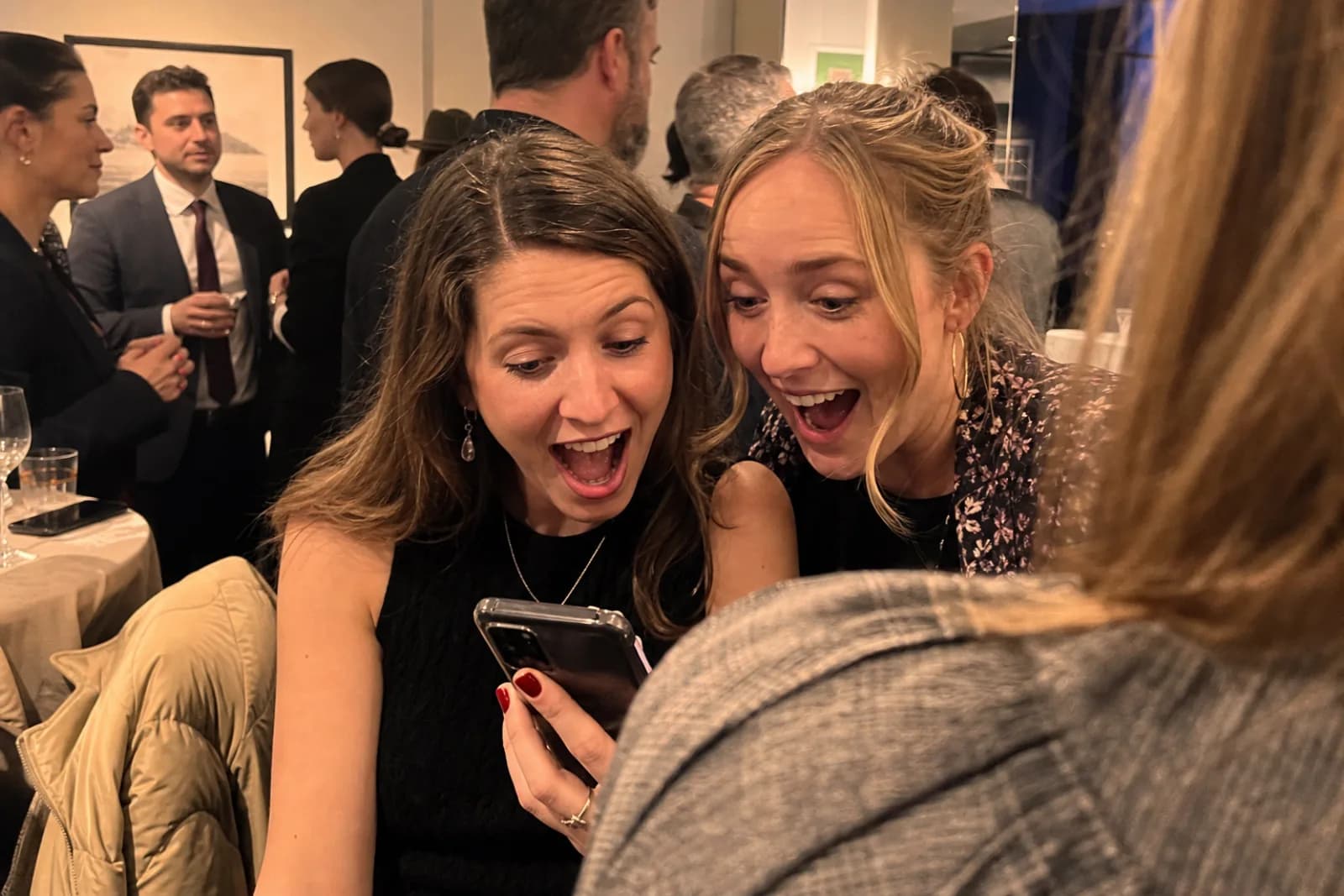
Good table-card copy answers three questions in seconds: what to do, what to share and whether an app is needed. Timing and clarity of the prompt matter as much as the tool.
A resource you can use right away
Use the resource below as written, then adapt tone, access and moderation to your event.
Practical guide
Friction to remove: QR code table card wording
A link buried in a chat is rarely visible when guests are ready to share.
An app install or registration request loses contributors before their first upload.
A gallery without reactions or messages preserves images but loses part of their story.
Klikt features that support this method
One QR code
Guests scan once and reach the right album immediately.
No app or guest account
The upload flow opens in the browser, removing the biggest participation barrier.
Keep the words too
Guests can add reactions and messages alongside the visual memories.
Everything in one download
Recover the full collection without chasing files across different chats.
Copy-and-paste table-card wording
- 1Lead with the action: Scan to add your photos.
- 2State the reward: Help us see the day through your eyes.
- 3Remove the objection: No app and no guest account.
- 4Keep the QR code large, with quiet space around it.
- 5Test the printed card from a seated distance.
Copy-ready examples
Warm
You were part of the day. Scan and add the photos and videos only you captured. No app needed.
Direct
Scan. Share your photos. See them join our album. No app or account.
Live wall
Want to appear on the big screen? Scan, add your photo and watch the wall.
Prepare the journey
Create the album, test its QR code on iPhone and Android, then set access and moderation.
Prompt contributions
Show the QR code when phones are already in hand and explain the benefit in one sentence.
Close cleanly
Send one reminder, review if needed, then download and back up the collection.
How should I use this resource?
Start with the ready-to-use material for QR code table card wording, then remove anything that does not fit your audience or event format.
Should the album be ready first?
Yes. Create and test the destination before printing a QR code or sending any copy based on this guide.
Can the examples be adapted?
Yes. Keep the instruction short, preserve the direct access and adapt the tone of QR code table card wording to your guests.
When should collection close?
Announce a clear deadline, send one final reminder and download a backup before the album linked to QR code table card wording closes.
QR code table card wording: guide, examples and checklist
Quick setup. No app or account for guests.